
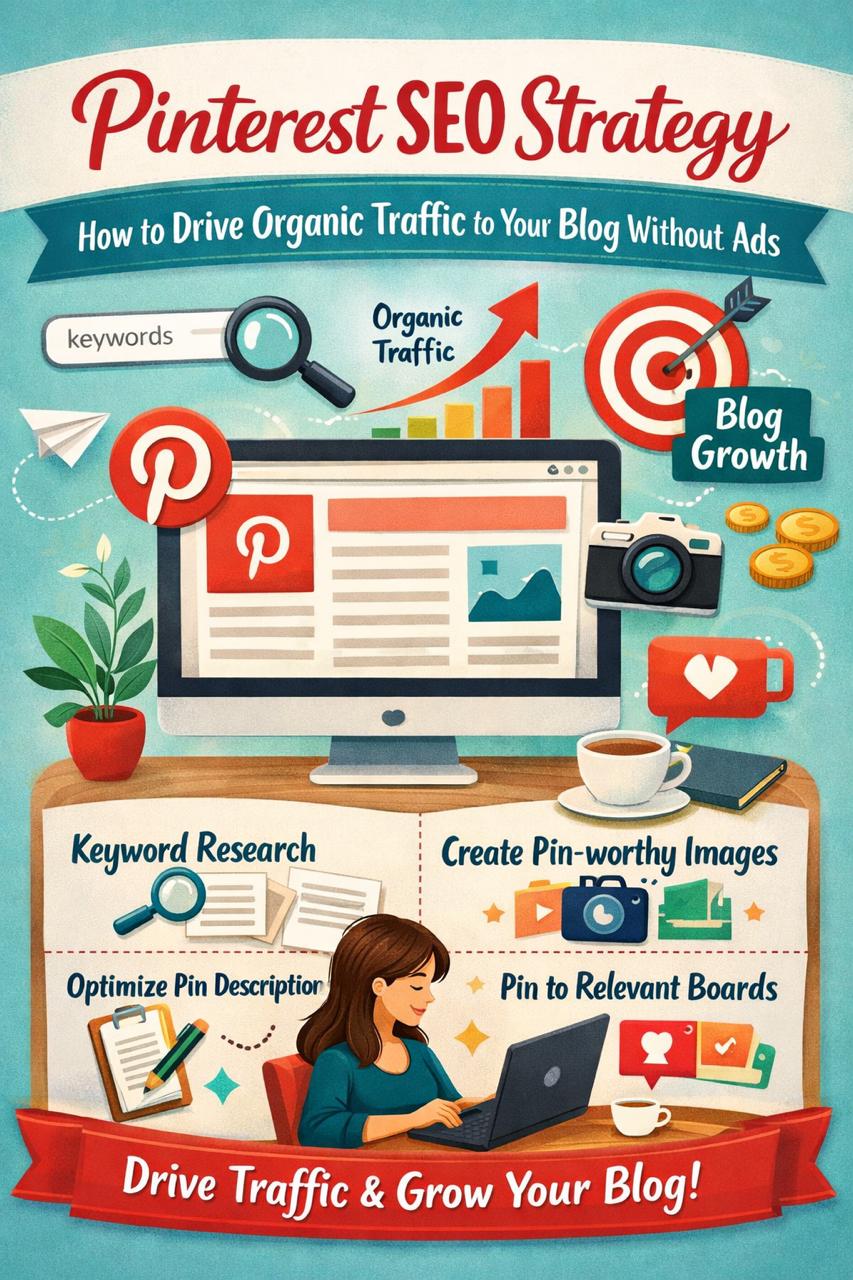
Introduction (Real Talk)
If you think Pinterest is just for recipes and aesthetic photos, you’re missing a huge opportunity.
Pinterest in 2026 is one of the most underrated platforms for driving free, long-term traffic to blogs — especially if you don’t want to spend money on ads.
Unlike Instagram or TikTok, where content dies in a few days, a single Pinterest pin can bring traffic for months or even years.
I’ve personally seen pins start slow and then suddenly bring consistent clicks after a few weeks — without spending a single rupee.
In this guide, I’ll explain Pinterest SEO in a simple, practical way so you can actually use it.
What is Pinterest SEO?
Pinterest SEO means optimizing your content so it appears in Pinterest search results.
👉 Think of Pinterest as a visual search engine, not just a social media app.
When someone searches:
- “Make money online”
- “Home workout plan”
- “Blogging tips”
Pinterest shows pins based on:
- Keywords
- Engagement
- Relevance
Your goal is simple:
👉 Make Pinterest understand what your content is about
Why Pinterest is Powerful for Bloggers
Here’s what makes Pinterest different:
✔ Long-Term Traffic
A blog post on Instagram = 24–48 hours life
A Pinterest pin = 3–12 months (or more)
✔ Free Traffic (No Ads Needed)
You don’t need to run ads to get clicks.
✔ Beginner Friendly
Even new blogs can get traffic if SEO is done right.
How Pinterest SEO Works (Simple Breakdown)
When you upload a pin:
- Pinterest scans your:
- Title
- Description
- Image text
- It matches your content with user searches
- If people click/save your pin → it ranks higher
👉 Same concept as Google SEO, but visual-based
🔍 Step-by-Step Pinterest SEO Strategy
Step 1: Keyword Research (Very Important)
Before creating a pin, find what people are searching.
How to do it:
- Go to Pinterest search bar
- Type your topic (e.g., “blogging”)
- Look at suggestions
Example:
- Blogging tips for beginners
- Blogging ideas 2026
- Make money blogging
👉 These are real keywords
Step 2: Optimize Your Pin Title
Your title should:
- Include keyword
- Be clear and clickable
❌ Bad: “Grow Fast”
✅ Good: “Pinterest SEO Tips for Beginners (2026 Guide)”
Step 3: Write a Natural Description
Write like a human, not a robot.
Include:
- Main keyword
- Related keywords
- Simple explanation
👉 Keep it helpful, not spammy
Step 4: Design Scroll-Stopping Pins
Your design matters a lot.
Tips:
- Use bold text
- Keep it clean
- Use readable fonts
- Add curiosity
👉 Example text on image:
“How I Got 10K Blog Traffic Using Pinterest”
Step 5: Add Keywords to Boards
Boards also rank in Pinterest search.
👉 Use keyword-based board names:
- “Blogging Tips”
- “Make Money Online”
- “Pinterest Marketing”
Step 6: Be Consistent (But Smart)
You don’t need to spam pins.
👉 1–3 pins daily is enough
Consistency builds trust with the algorithm.
💡 Real Strategy That Works
Here’s a simple method I recommend:
- Create 1 blog post
- Make 3–5 different pins for that post
- Use different titles/designs
👉 This increases chances of ranking
⚠️ Common Mistakes to Avoid
❌ Ignoring Keywords
No keywords = no visibility
❌ Posting Random Content
Pinterest needs clarity
❌ Low-Quality Images
Bad design = no clicks
❌ Giving Up Too Early
Pinterest takes time (2–4 weeks minimum)
📖 Real Example
A beginner blogger wrote an article on “Work from home jobs.”
At first:
- No traffic
- No clicks
Then they optimized:
- Better keywords
- Attractive pin design
- Clear title
After 3 weeks:
- One pin started ranking
- Traffic increased daily
👉 Pinterest works slowly, but steadily
🚀 Advanced Tips for 2026
✔ Use Idea Pins (Optional)
Good for engagement, but not for traffic
✔ Focus on Click-Through Rate
More clicks = more reach
✔ Use Fresh Pins
Pinterest prefers new designs
✔ Mobile Optimization
Most users are on mobile
📊 Simple Formula for Success
👉 Pinterest growth =
Keywords + Design + Consistency
❓ FAQ Section
Q1: Is Pinterest free for traffic?
Yes, completely free
Q2: How long does it take to get results?
Usually 2–6 weeks
Q3: Do I need followers?
No, Pinterest focuses on content
Q4: Can I use Canva for pins?
Yes, it’s perfect for beginners
Q5: How many pins per day?
1–3 quality pins are enough