
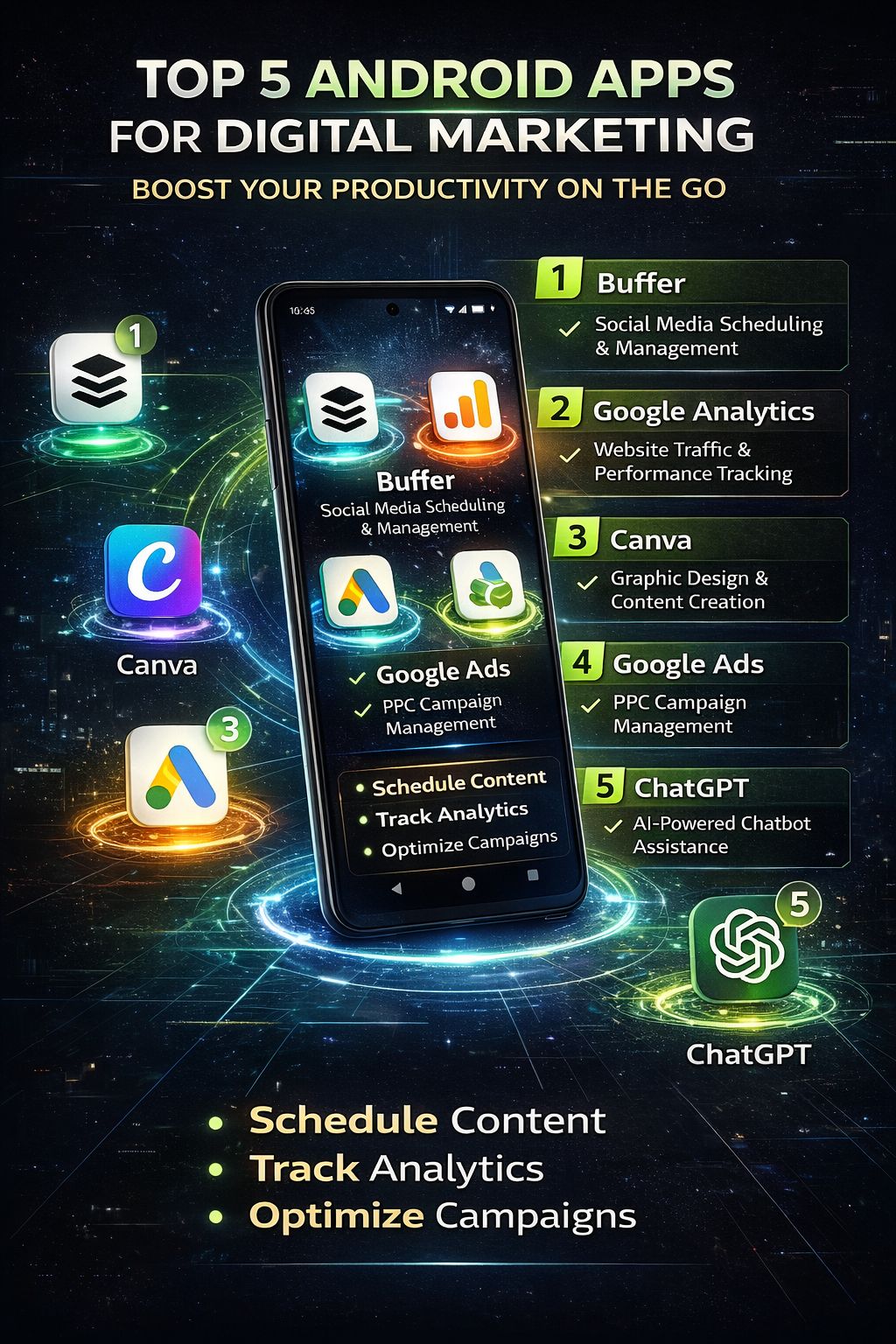
Introduction: Why Mobile Productivity Matters Today
Digital marketing is no longer limited to sitting in front of a laptop all day.
In 2026, most marketers manage campaigns, respond to clients, track analytics, and even create content directly from their smartphones. Whether you’re a freelancer, a business owner, or just starting out, having the right apps on your Android device can make a big difference.
The problem is not a lack of apps—it’s choosing the right ones.
There are hundreds of tools available, but only a few truly help you stay productive without overwhelming you.
In this article, I’ll share five Android apps that digital marketers actually use to manage work efficiently while on the move.
What Makes a Good Marketing App?
Before we jump into the list, let’s quickly understand what matters.
A useful app should:
- Save time
- Be easy to use
- Work reliably on mobile
- Help you stay organized
- Solve a real problem
👉 The goal is not to install more apps—it’s to work smarter.
1. Google Analytics – Track Performance Anywhere
If you’re running a website or marketing campaigns, tracking performance is essential.
The Google Analytics app allows you to monitor your website traffic directly from your phone.
What you can do:
- Check real-time visitors
- Track traffic sources
- Monitor user behavior
- Analyze campaign results
👉 This is especially useful when you’re away from your laptop but still want to stay updated.
2. Canva – Create Designs in Minutes
Design plays a huge role in digital marketing—whether it’s social media posts, ads, or blog graphics.
The Canva app makes design simple, even if you’re not a professional designer.
Key features:
- Ready-made templates
- Drag-and-drop editing
- Social media graphics
- Video and reel creation
👉 You can create eye-catching visuals in just a few minutes, even on your phone.
3. Trello – Manage Tasks and Projects Easily
Staying organized is one of the biggest challenges for marketers.
The Trello app helps you manage tasks using boards and cards.
How it helps:
- Organize projects visually
- Set deadlines and reminders
- Track progress
- Collaborate with team members
👉 It’s simple, clean, and perfect for managing multiple campaigns.
4. Grammarly Keyboard – Improve Writing on the Go
Writing is a big part of digital marketing—emails, captions, blogs, ads.
The Grammarly Keyboard ensures your writing is clear and error-free.
What it does:
- Corrects grammar mistakes
- Suggests better words
- Improves tone and clarity
👉 Whether you’re replying to a client or writing a caption, it helps maintain professionalism.
5. Google Drive – Store and Access Files Anywhere
Managing files across devices can be difficult without the right tool.
The Google Drive app allows you to store and access files anytime.
Benefits:
- Cloud storage
- Easy file sharing
- Access from any device
- Backup important documents
👉 It keeps all your marketing files in one place.
📊 Quick Comparison
| App | Main Use | Best For |
|---|---|---|
| Google Analytics | Data tracking | Website performance |
| Canva | Design creation | Social media content |
| Trello | Task management | Project organization |
| Grammarly | Writing improvement | Emails & content writing |
| Google Drive | File storage | File access & sharing |
💡 How These Apps Improve Productivity
Using the right apps helps you:
- Save time on repetitive tasks
- Stay organized
- Work from anywhere
- Respond faster to clients
- Keep everything in one place
👉 Instead of switching between devices, you can manage everything from your phone.
⚠️ Common Mistakes to Avoid
❌ Installing Too Many Apps
More apps don’t mean more productivity.
❌ Not Learning the Tools Properly
Even the best app is useless if you don’t use it effectively.
❌ Ignoring Mobile Optimization
Some tools work better on desktop—choose mobile-friendly apps.
📖 Real-Life Scenario
A freelance digital marketer used to manage everything from a laptop.
But after switching to mobile apps:
- Responded faster to clients
- Posted content on time
- Tracked campaigns instantly
👉 Result: Better workflow and less stress
🚀 Tips to Maximize Productivity
- Use only essential apps
- Set daily priorities
- Enable notifications for important tasks
- Keep your files organized
- Sync apps across devices
❓ FAQ Section
Q1: Are these apps free to use?
Most offer free versions with optional premium features.
Q2: Can beginners use these apps?
Yes, all of them are beginner-friendly.
Q3: Do I need all five apps?
Not necessarily—choose based on your needs.
Q4: Which app is best for content creation?
Canva is the best for quick designs.
Q5: Can I run a business using just mobile apps?
Yes, many marketers manage their work entirely on mobile.