
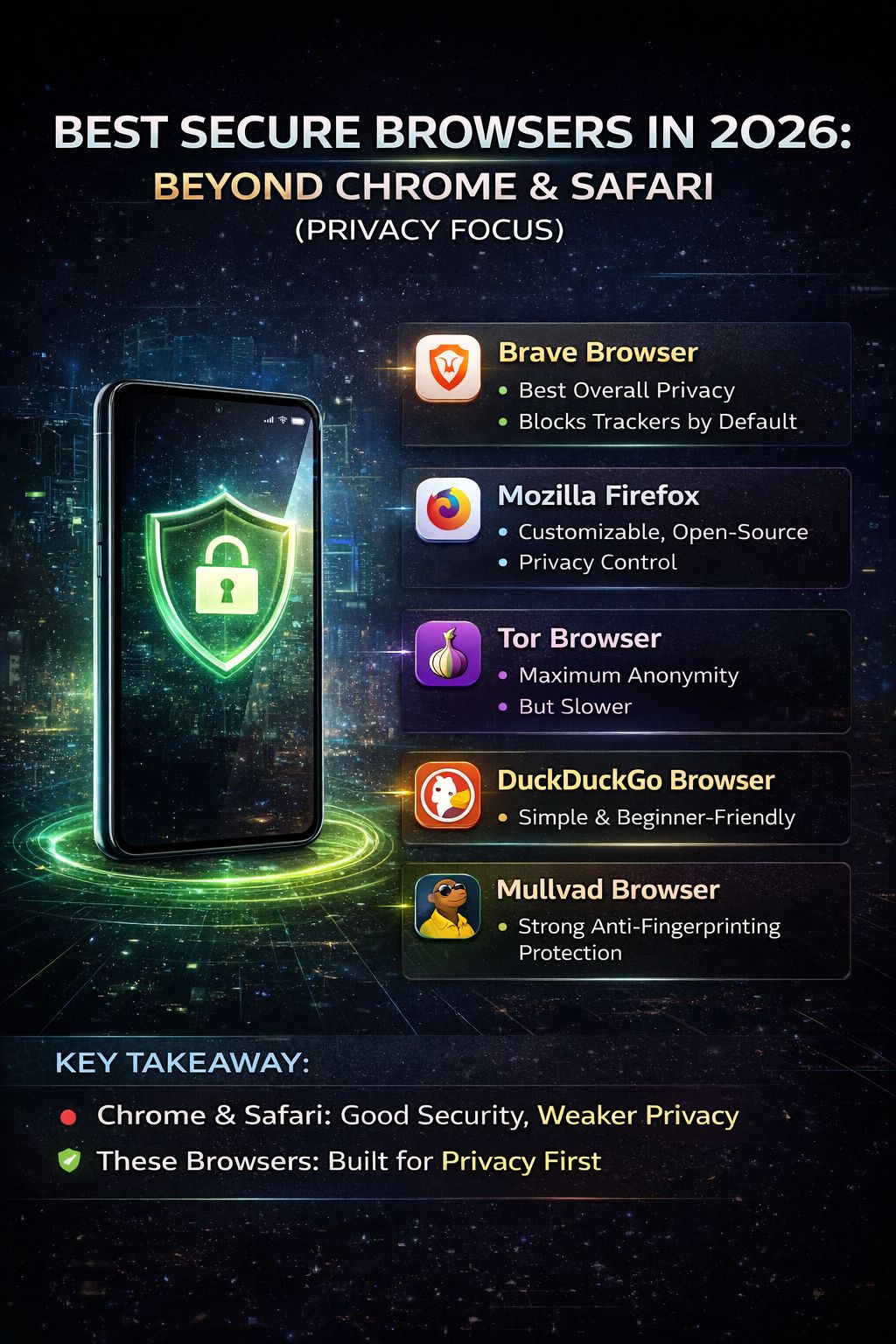
Introduction: Why Browser Privacy Matters More Than Ever
Most people still use the same browsers they started with years ago—mainly Chrome or Safari—without thinking much about privacy.
But here’s the truth:
👉 In 2026, your browser is one of the biggest sources of data tracking.
Every search, every click, and even how long you stay on a page can be tracked and used for ads, profiling, or analytics. While big browsers offer convenience and speed, they often come with trade-offs when it comes to privacy.
That’s why more users are now looking for secure, privacy-first browsers that don’t track them unnecessarily.
In this guide, we’ll explore the best secure browsers in 2026 and help you understand which one is right for you.
What Makes a Browser “Secure”?
Before jumping into the list, it’s important to understand what “secure” actually means.
A secure browser should offer:
- Protection against trackers
- Strong encryption
- Minimal or no data collection
- Regular security updates
- Safe browsing features (phishing and malware protection)
👉 Privacy and security are not exactly the same, but they go hand in hand.
Why Move Beyond Chrome and Safari?
Chrome and Safari are powerful browsers, but they are not designed with full privacy in mind.
Common concerns:
- Data collection for personalization
- Tracking across websites
- Syncing user data with accounts
- Limited control over privacy settings
👉 For everyday users, this may not seem like a problem.
But for privacy-conscious users, it’s a major concern.
🔒 Best Secure Browsers in 2026
1. Brave Browser (Best for Beginners)
Brave has quickly become one of the most popular privacy-focused browsers.
Key Features:
- Built-in ad blocker
- Tracker blocking by default
- Faster page loading
- Optional private browsing with Tor
👉 Brave is perfect if you want privacy without changing your browsing habits too much.
2. Mozilla Firefox (Best Balance of Privacy and Usability)
Firefox has been around for a long time, but it has improved significantly in terms of privacy.
Key Features:
- Enhanced Tracking Protection
- Open-source transparency
- Strong extension support
- Customizable privacy settings
👉 It’s a great option for users who want control without complexity.
3. Tor Browser (Maximum Privacy)
If privacy is your top priority, Tor is unmatched.
Key Features:
- Routes traffic through multiple servers
- Hides IP address
- Prevents tracking and fingerprinting
👉 Downside: Slower speed compared to other browsers
4. LibreWolf (Privacy-Focused Firefox Alternative)
LibreWolf is a modified version of Firefox focused entirely on privacy.
Key Features:
- No telemetry
- Strong privacy defaults
- No data collection
👉 Best for advanced users who want strict privacy settings.
5. DuckDuckGo Browser (Simple & Private)
Known for its search engine, DuckDuckGo also offers a privacy-focused browser.
Key Features:
- Blocks trackers
- Forces encrypted connections
- Simple interface
👉 Ideal for users who want something lightweight and easy.
📊 Comparison: Which Browser is Right for You?
| Browser | Privacy Level | Speed | Ease of Use |
|---|---|---|---|
| Brave | High | Fast | Easy |
| Firefox | Medium-High | Fast | Easy |
| Tor | Very High | Slow | Moderate |
| LibreWolf | Very High | Medium | Advanced |
| DuckDuckGo | Medium | Fast | Very Easy |
💡 Tips to Improve Browser Privacy (No Matter What You Use)
Even the best browser needs proper settings.
✔ Use Privacy Extensions
- Ad blockers
- Anti-tracking tools
✔ Disable Third-Party Cookies
This prevents cross-site tracking.
✔ Avoid Unnecessary Extensions
Some extensions collect user data.
✔ Keep Your Browser Updated
Security updates fix vulnerabilities.
✔ Use Secure Search Engines
Avoid search engines that track your activity.
⚠️ Common Mistakes People Make
❌ Thinking Incognito Mode is Fully Private
Incognito only hides local history—not tracking.
❌ Using Too Many Extensions
More extensions = more risk.
❌ Ignoring Permissions
Websites can access location, camera, etc.
📖 Real Scenario
A user switched from Chrome to a privacy browser.
At first:
- Slight adjustment period
- Different interface
After a few weeks:
- Fewer ads
- Faster browsing
- More control over data
👉 Small change, big difference.
🚀 Future of Secure Browsing
In 2026 and beyond:
- AI-based tracking will increase
- Privacy regulations will evolve
- Users will demand more control
👉 Secure browsers will become more mainstream, not just for tech users.
❓ FAQ Section
Q1: Is Chrome unsafe?
Not unsafe, but less private compared to alternatives.
Q2: Which browser is best for beginners?
Brave is the easiest to start with.
Q3: Is Tor legal to use?
Yes, in most countries.
Q4: Do secure browsers slow down speed?
Some (like Tor) do, but others are fast.
Q5: Do I need a VPN with a secure browser?
Not always, but it adds extra protection.